Discord Emoji Library
1595 emojis as transparent 256×256 PNGs — sorted into 8 categories and 43 ready-made packs. Free for everyone, no account and no download limit.
Browse by category
Smileys & Emotion
169

Faces, moods and reactions — the emoji people reach for most on Discord.
People & Body
343
Hands, gestures, people and professions, all as clean transparent PNGs.
Animals & Nature
152
Pets, wildlife, plants and the weather that surrounds them.
Food & Drink
136

Fruit, meals, desserts and drinks for food channels and stickers.
Travel & Places
218
Vehicles, landmarks, maps and clocks for travel-themed servers.
Activities
86
Sports, medals, games and celebrations for events and tournaments.
Objects
260
Devices, tools, money and everyday things your members keep asking for.
Symbols
223

Hearts, arrows, shapes and signs that work as emoji reactions.
Emoji packs
Curated sets built from the library — pick one and grab everything you need in a few clicks.
All emojis
1595 emojis man technologist
 man tipping hand
 man vampire
 man walking
 man walking facing right
 man wearing turban
 man: white hair
 man with veil
 man with white cane
 man with white cane facing right
 man zombie
 mechanic
 mechanical arm
 mechanical leg
 men with bunny ears
 men wrestling
 mermaid
 merman
 merperson
 middle finger
 mouth
mouth Mrs. Claus
 mx claus
 nail polish
 ninja
ninja nose
nose office worker
 OK hand
 old man
 old woman
 older person
 oncoming fist
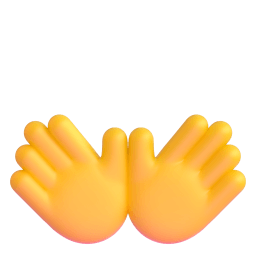 open hands
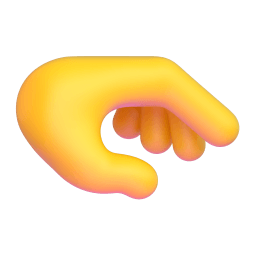 palm down hand
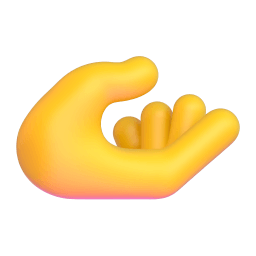 palm up hand
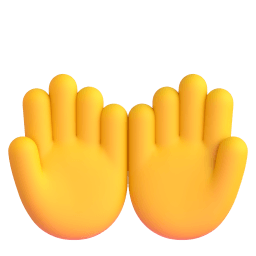 palms up together
 people hugging
 people with bunny ears
 people wrestling
 person
 person: bald
 person: beard
 person biking
 person: blond hair
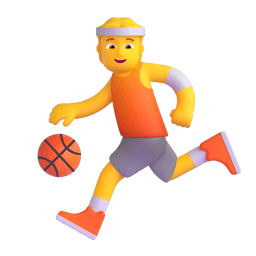 person bouncing ball
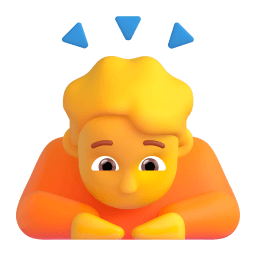 person bowing
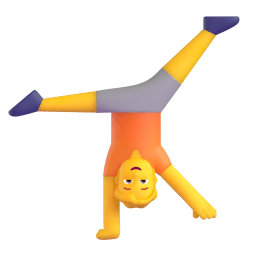 person cartwheeling
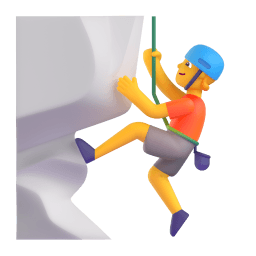 person climbing
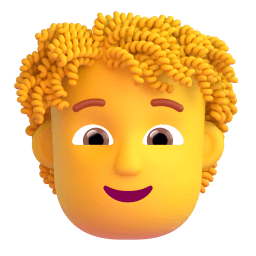 person: curly hair
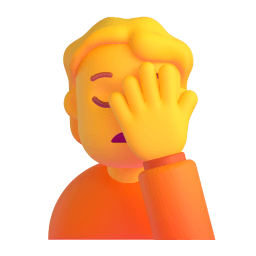 person facepalming
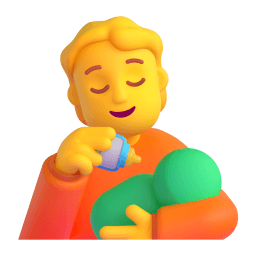 person feeding baby
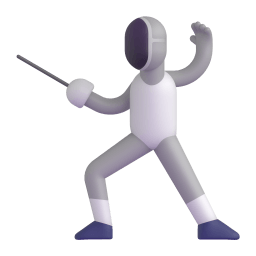 person fencing
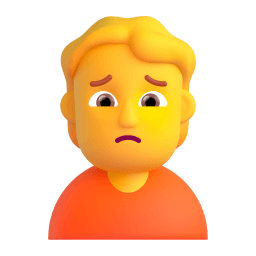 person frowning
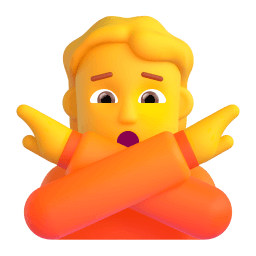 person gesturing NO
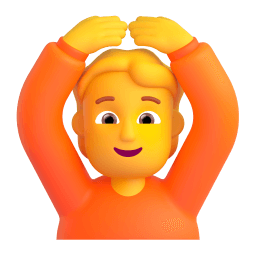 person gesturing OK
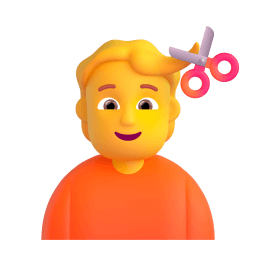 person getting haircut
 person getting massage
 person golfing
 person in bed
 person in lotus position
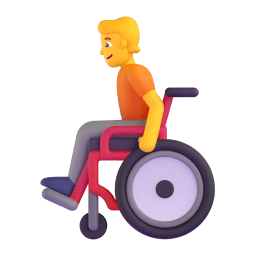 person in manual wheelchair
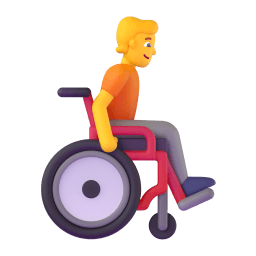 person in manual wheelchair facing right
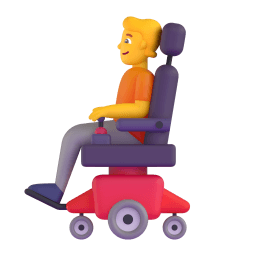 person in motorized wheelchair
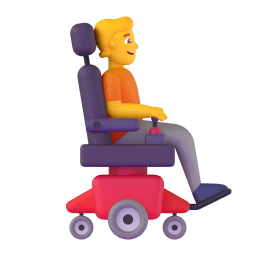 person in motorized wheelchair facing right
 person in steamy room
 person in suit levitating
 person in tuxedo
 person juggling
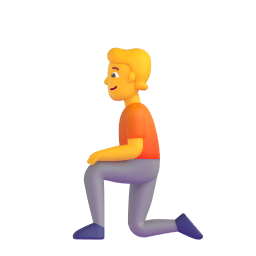 person kneeling
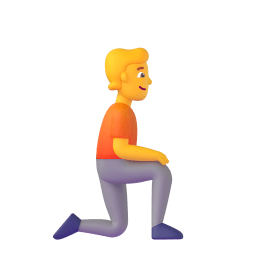 person kneeling facing right
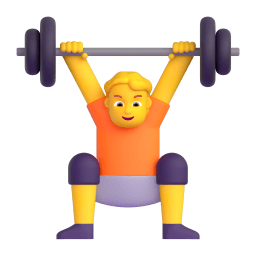 person lifting weights
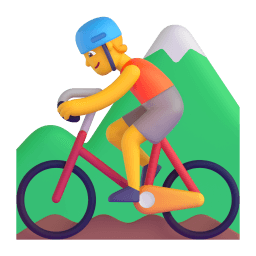 person mountain biking
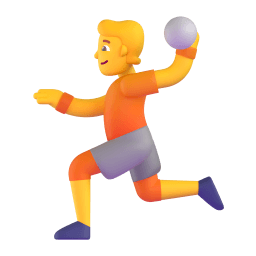 person playing handball
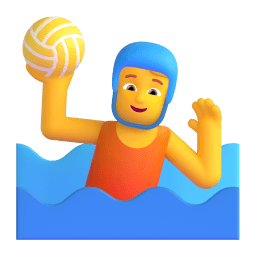 person playing water polo
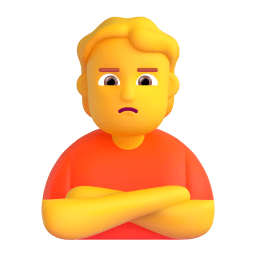 person pouting
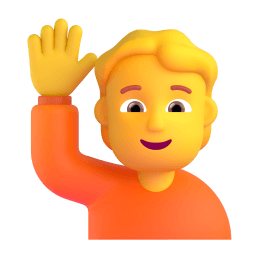 person raising hand
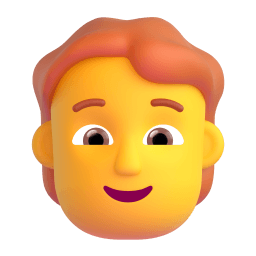 person: red hair
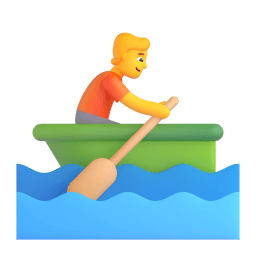 person rowing boat
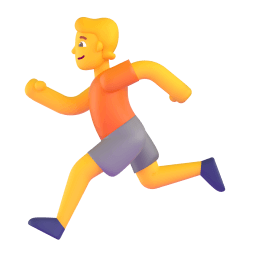 person running
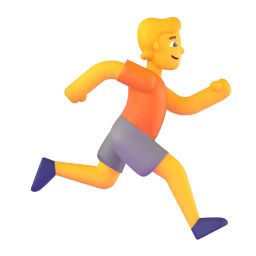 person running facing right
 person shrugging
 person standing
 person surfing
 person swimming
 person taking bath
 person tipping hand
 person walking
 person walking facing right
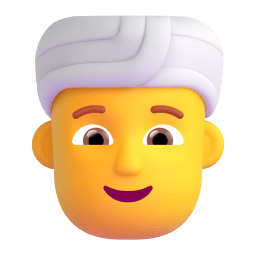 person wearing turban
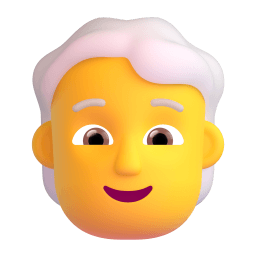 person: white hair
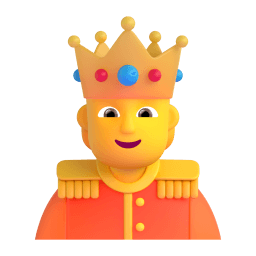 person with crown
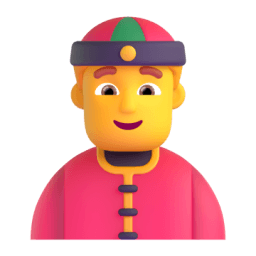 person with skullcap
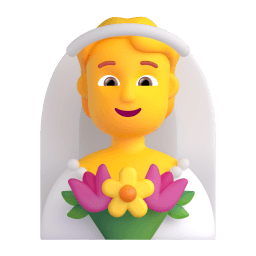 person with veil
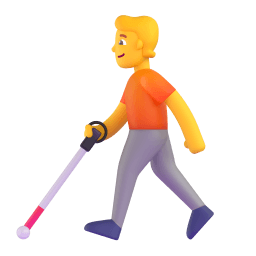 person with white cane
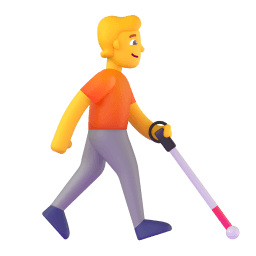 person with white cane facing right
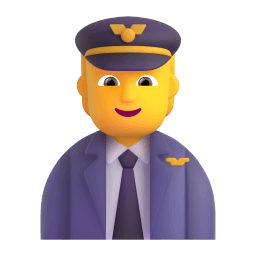 pilot
pilot
How to add these emojis to your Discord server
- Open the emoji you want and press Download PNG.
- In Discord, go to Server Settings → Emoji → Upload Emoji. You need the Manage Emoji permission.
- Drop the file in. Ours are 256×256 and only a few KB each, so they clear Discord's 256 KB limit on the first try — Discord then downscales them cleanly to the 128×128 it renders custom emoji at.
- No server of your own? You can still use any of these as a reaction in a DM, or upload them to a custom emoji slot if you have Nitro.
Emoji artwork comes from Microsoft Fluent Emoji, released under the MIT licence — free for personal and commercial use. See licensing.
Want emojis that match your server exactly?
The library above is free forever. Supporter adds AI image generation — an icon, banner and welcome image drawn to your own prompt — plus the AI template builder, in one shared allowance.